
Overview
ExcelForAll is a browser-based Excel trainer built on a working spreadsheet engine rather than video lessons, spanning 17 parts and 84 hands-on exercises from cell selection to SUM, IF logic, lookups, charts and pivot tables. Grading reads the formula stored in the cell, so a hand-typed total in a SUM task fails even when the number is correct. Finishing all 84 exercises yields a certificate with a public link.
How the exercises work
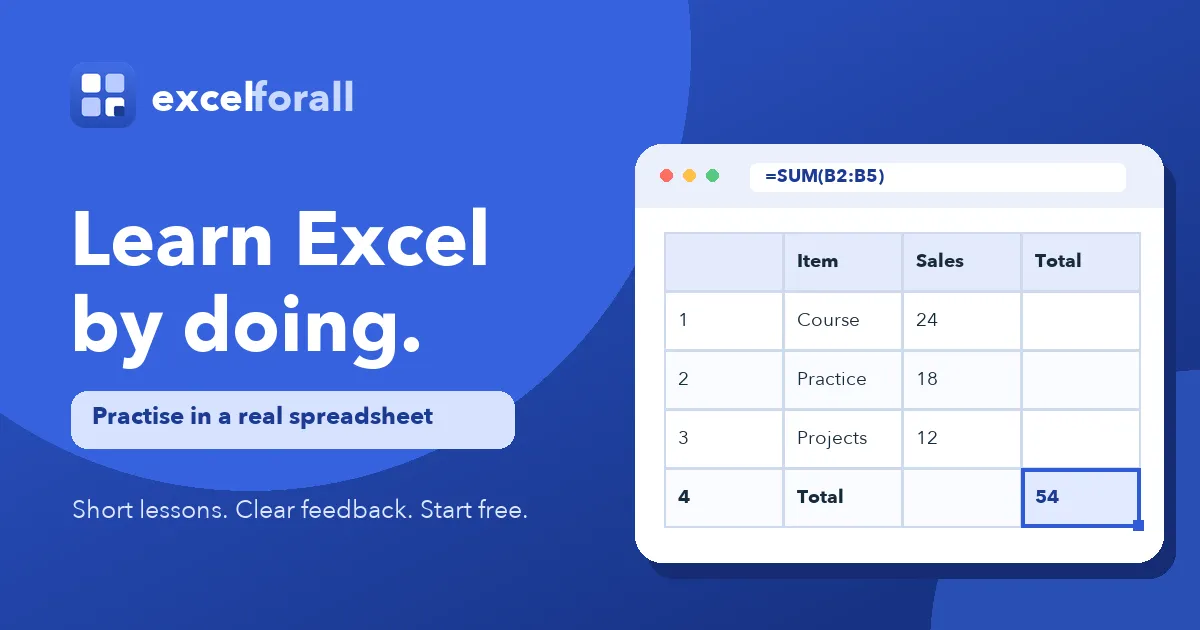
Each task places a short instruction inside a live grid — the site's own sample asks for =SUM(B2:B7) to total six weekly figures. Wrong entries return explanations written in advance for specific mistakes, such as a range pointing at the wrong rows, alongside staged hints and a worked answer. Exercises are scoped at two to eight minutes, with the full course estimated at roughly seven hours of practice. Every part has a dedicated page, so learners can jump straight to VLOOKUP or charts instead of following the teaching order.
Access and pricing
Nineteen exercises need neither an account nor a card. A free account raises that to 46 of 84 and unlocks progress syncing across machines. Parts from lookups onward require a paid plan, priced on a separate page. All nine written guides and the function reference stay open to everyone.