
Overview
BlazePDF is a desktop PDF workspace built around academic reading rather than general document viewing. It runs fully offline, needs no account for the reader, and keeps files on the local machine.
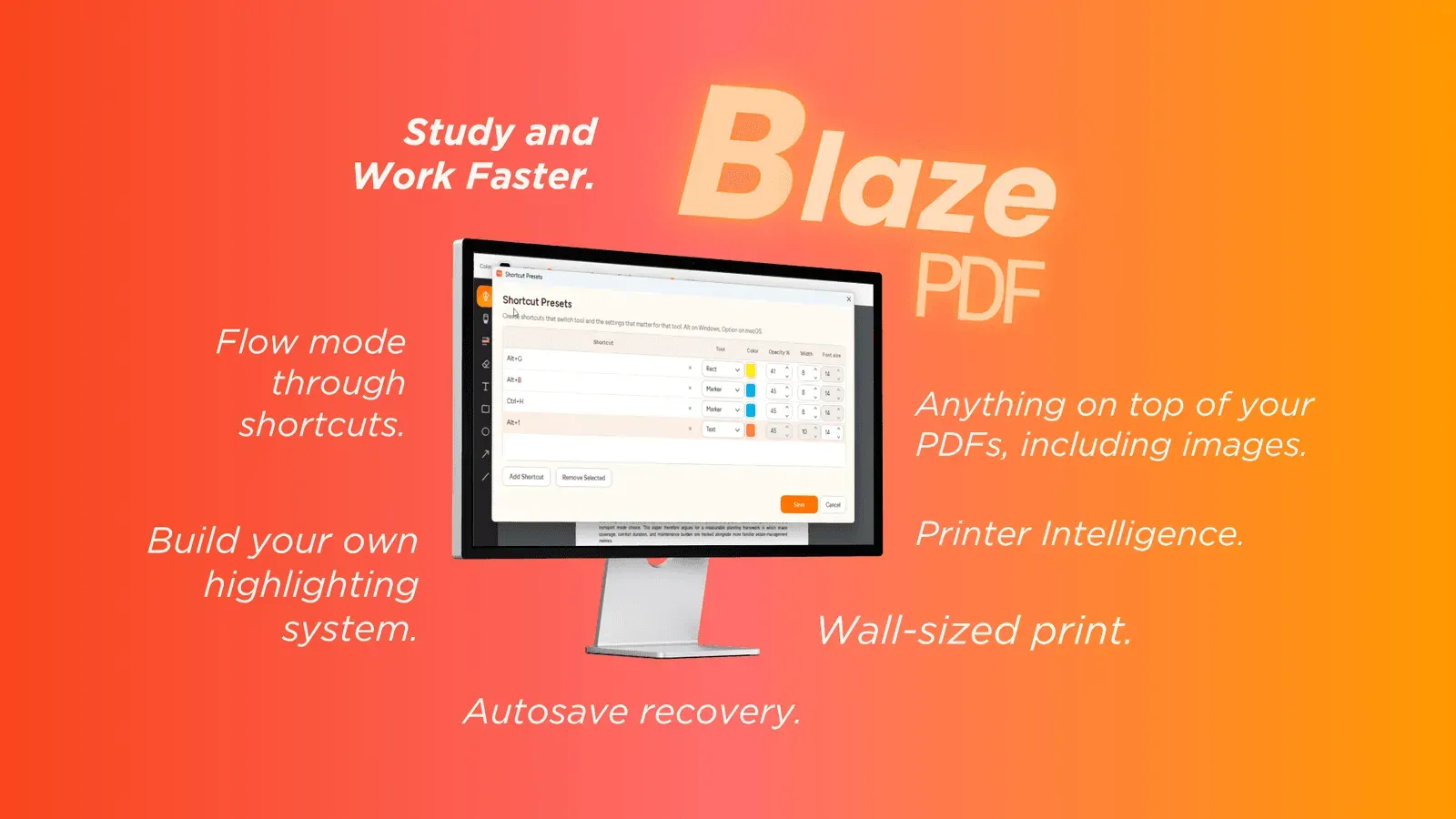
Annotation stack: pen and marker strokes, word-aware highlights, editable text boxes, shapes, arrows, lines and embedded images, plus erasing, undo/redo and reusable tool presets that restore a chosen colour, width and opacity from one shortcut.
Page and navigation tools: Flow Mode supports keyboard-first annotation, while page actions insert blank pages, import images, reorder sheets and export a visible PDF. Native text search jumps back to key passages, and editable BlazePDF metadata keeps annotations adjustable after a document is reopened.
Printing: Smart Duplex plans two-sided output for printers that need a manual second pass, and Poster Enlargement tiles a single oversized diagram across sheets, previewing orientation and assembly before the job runs.
Audience and privacy: the tool targets students working through lecture slides, textbook chapters, revision notes, research papers and past papers. Reading, annotating, searching and exporting stay local; account and AI OCR options are opt-in, and document content is never used to train generalized models.